BeforeSunset

Small apps for things that should be simpler.

Five focused iOS apps. Each built to solve one everyday problem well.

Remember where you put things.

Wimz keeps track of where your stuff was last seen — so you don’t have to.

A Wimz reply reading: the wallet is in the living room, on the table

Know where you left it.

Wimz remembers the last place you confirmed.
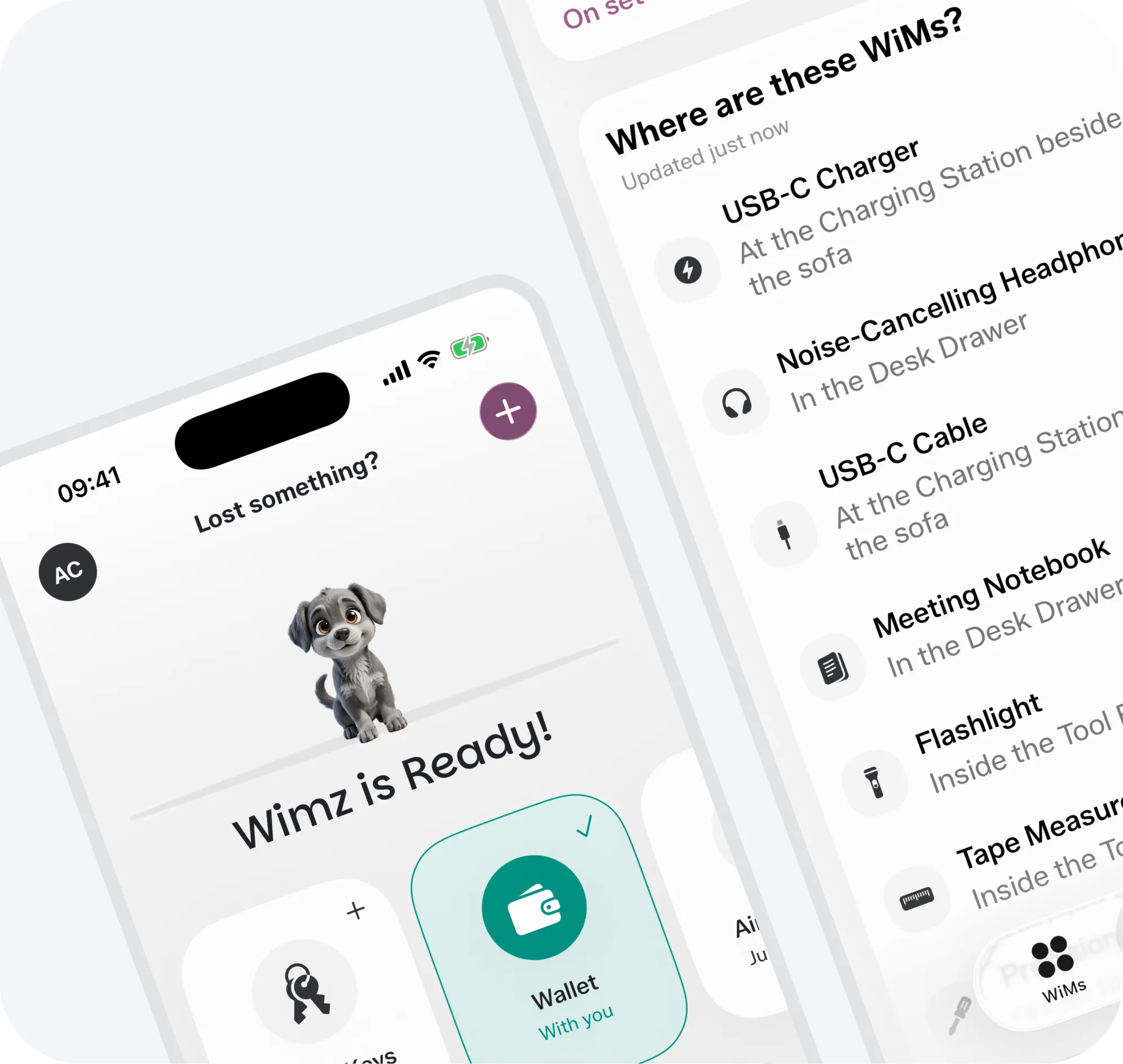
Two Wimz screens showing where a set of things was last seen
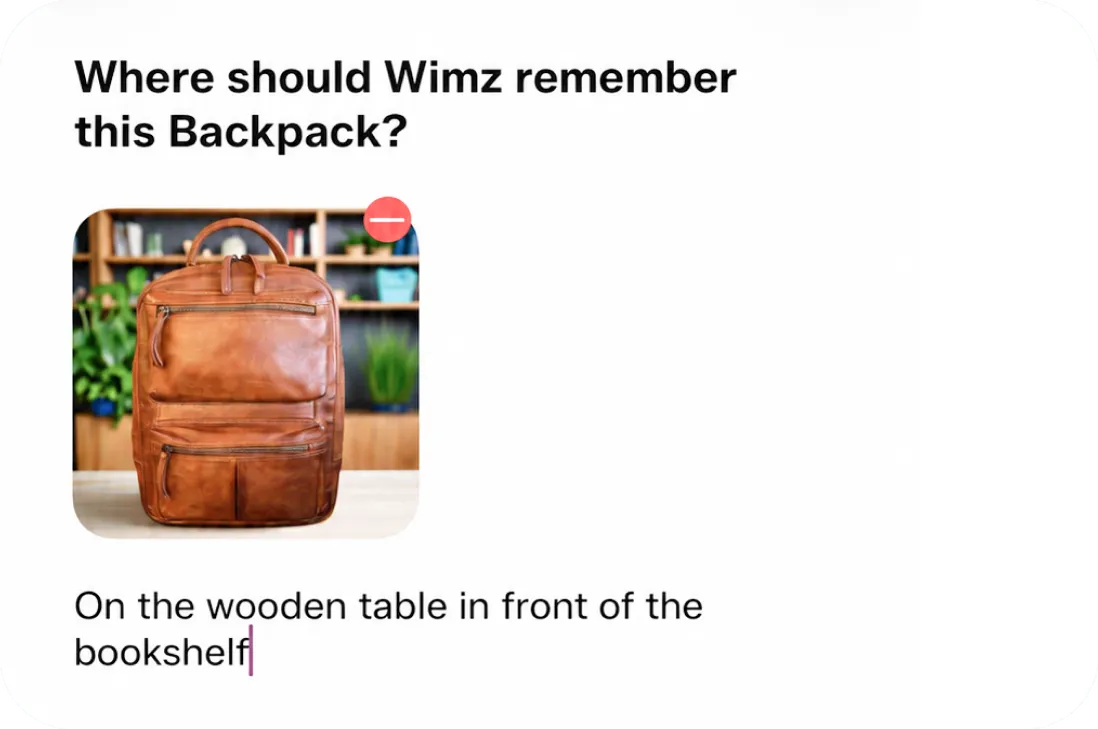
Wimz asking where to remember a backpack, with a photo of it

Save a place in seconds.

Type it, say it, or snap a photo.
Find anything at a glance.

Browse your WiMs by category, status, or Container.

A Wimz reply reading: the Network Cable is in the Wicker box

What’s inside

Group items into Containers.

Turn what’s on your mind into a plan.

Start with a goal, idea, or problem. Unlock turns it into clear steps, useful notes, and something you can actually move forward with.


Something I’d like to make progress on...Starting points: learn Spanish, plan a party, feel more balanced, start a hobby, meet new people, build a routine, travel to Italy
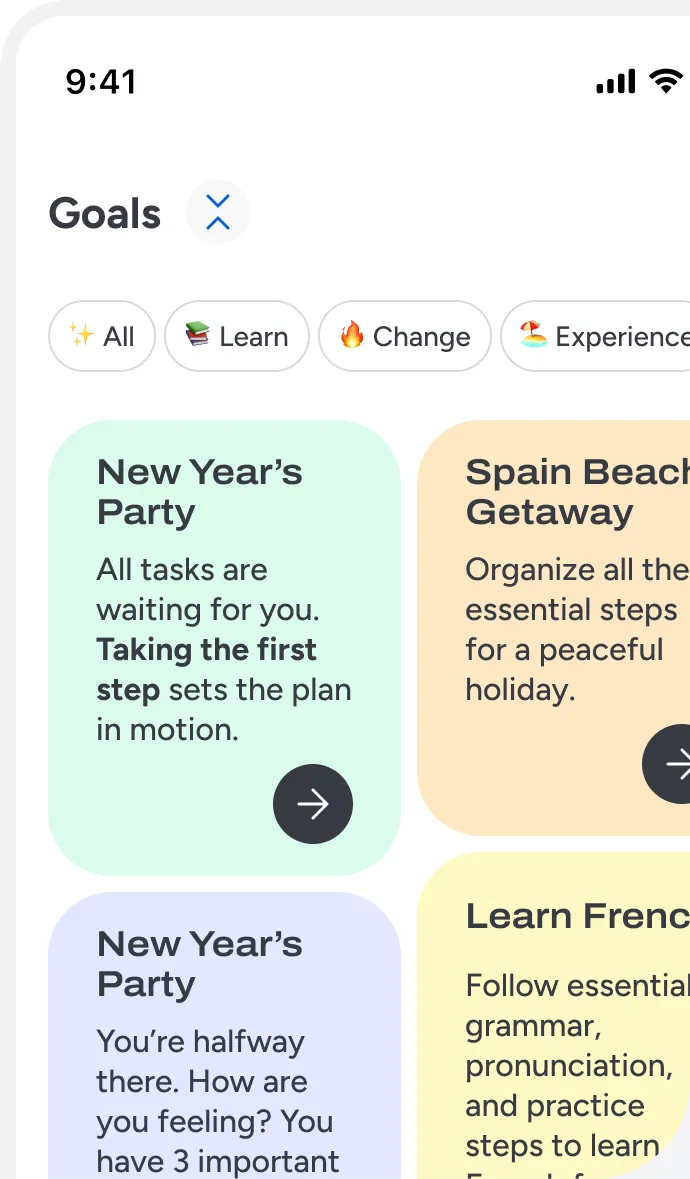
The Unlock goals screen, with goal cards for a party, a beach trip and learning French

Start with what matters.

Tell Unlock what you want to make progress on. It helps shape a clear direction.
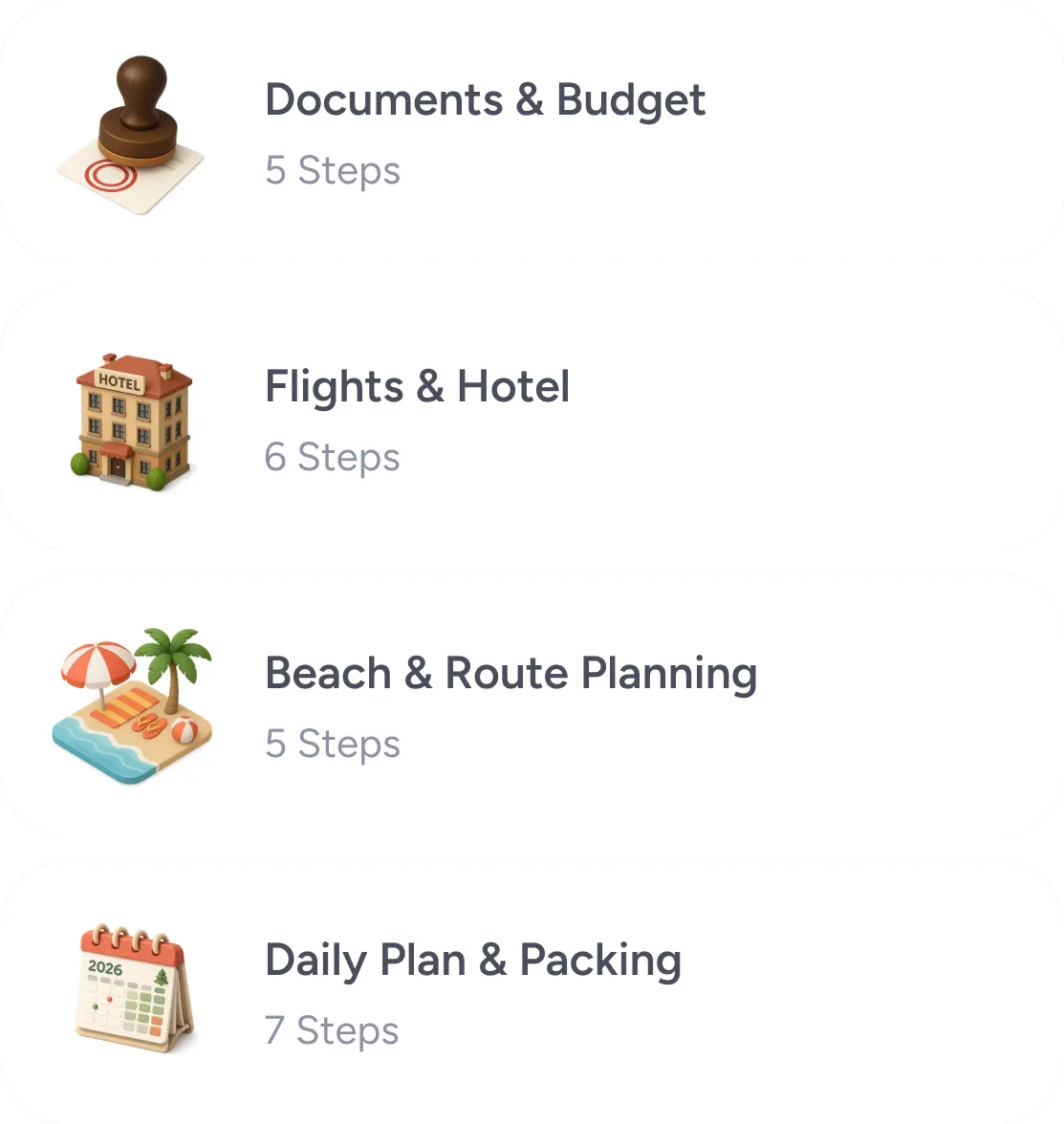
A goal broken into steps: documents and budget, flights and hotel, beach and route planning, daily plan and packing

Break it into doable steps.

Turn a broad intention into smaller actions you can work through.
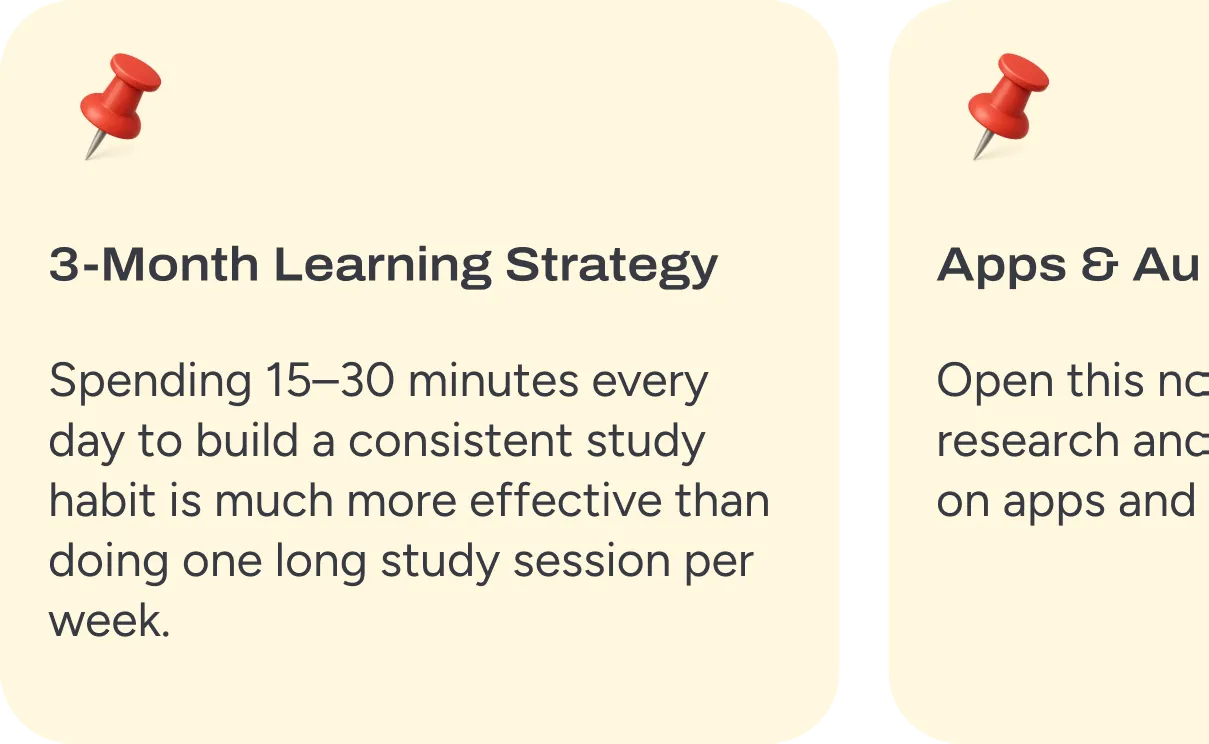
Two pinned notes, one on building a study habit and one on a research notebook

Keep notes close

Guides and notes stay with your work.

Two suggested tasks, each offering to look something up

Research when you need more context.

Dig deeper without losing sight of the plan.

See where your time actually goes.

Start and stop a timer. Over time, Mirror turns those moments into a private picture of how you spend your days — no goals, streaks, or coaching.
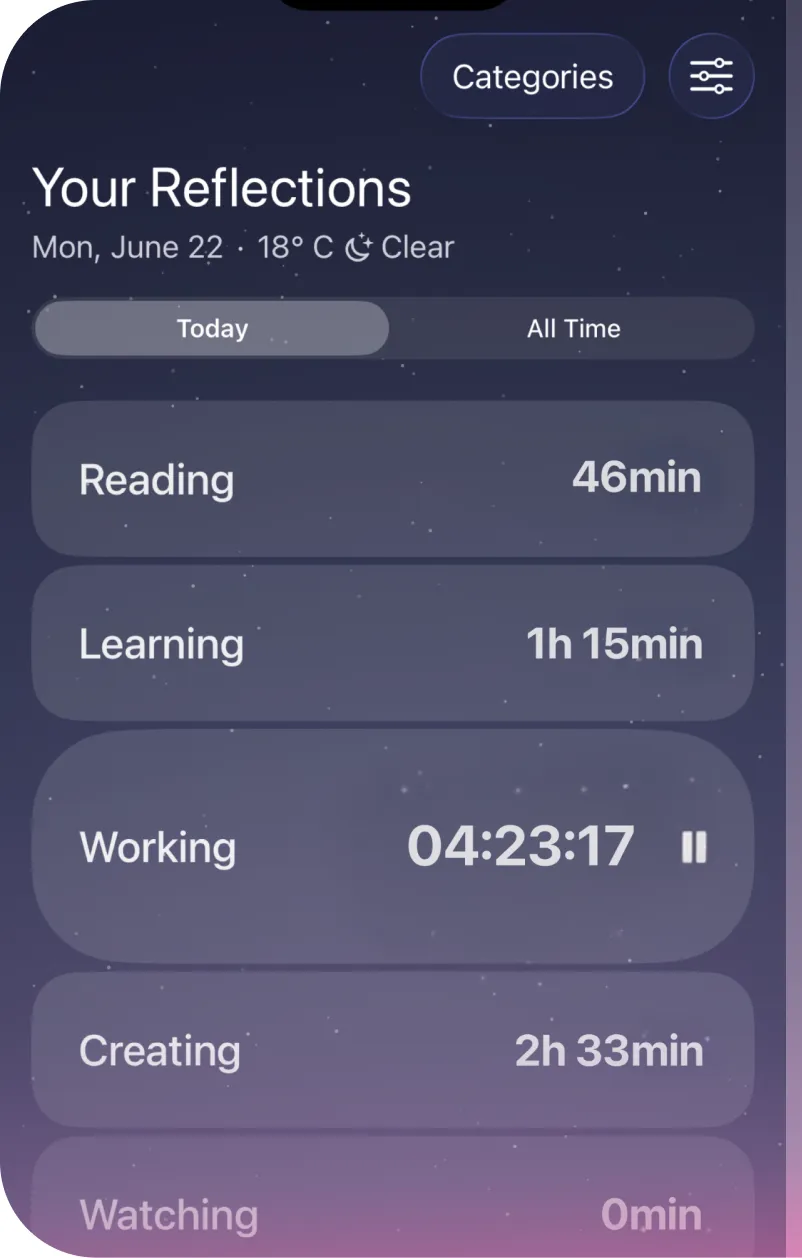
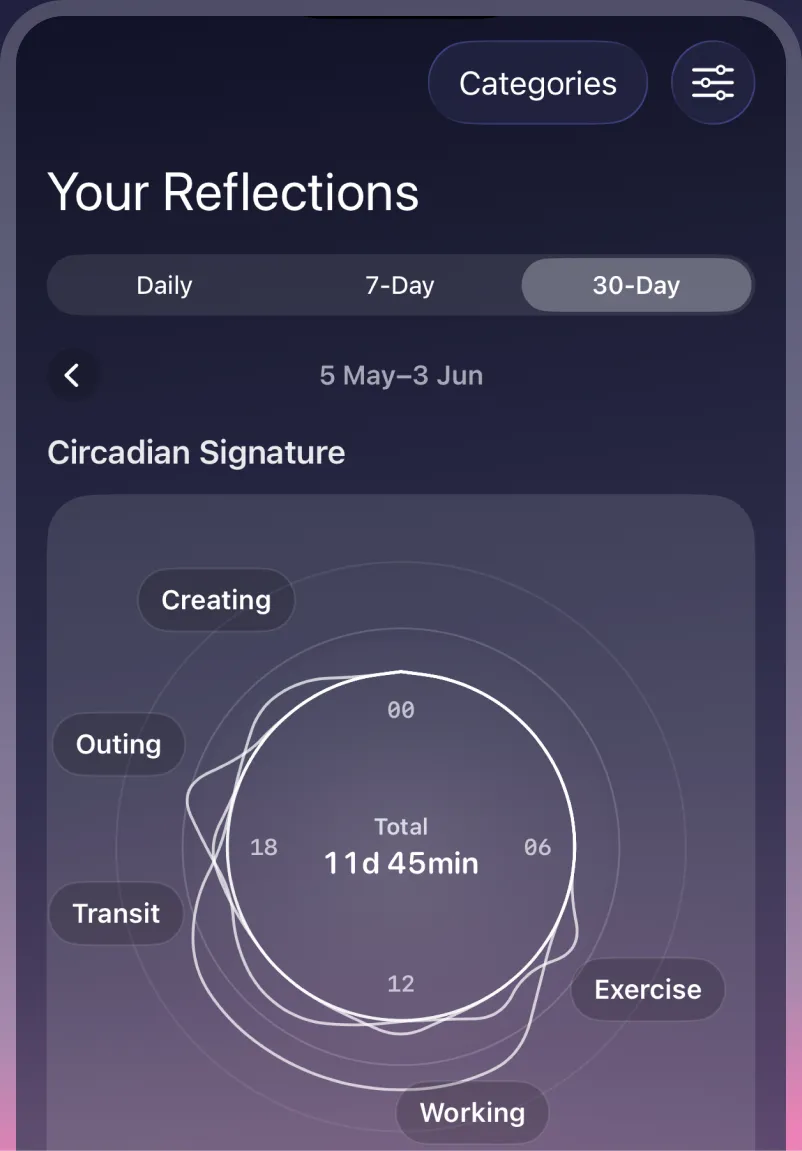
The Mirror reflections screen, with today's tracked time by categoryA Mirror 30-day view, with a circadian signature ring
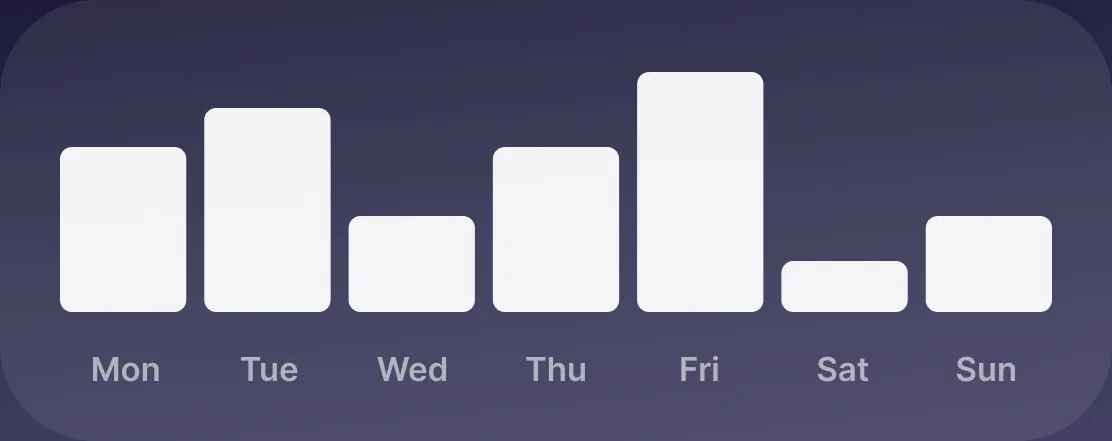
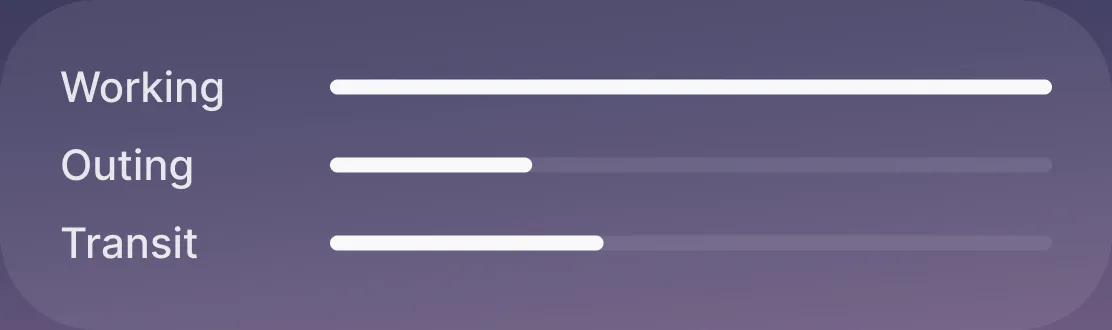
A week of tracked time as a bar chartWorking, outing and transit shown as proportions of the day

See time clearly

Look back at your day, week, or month.

A running timer reading twelve fifty-six

Sync when you choose.

Keep your time across Apple devices without notifications or pressure.
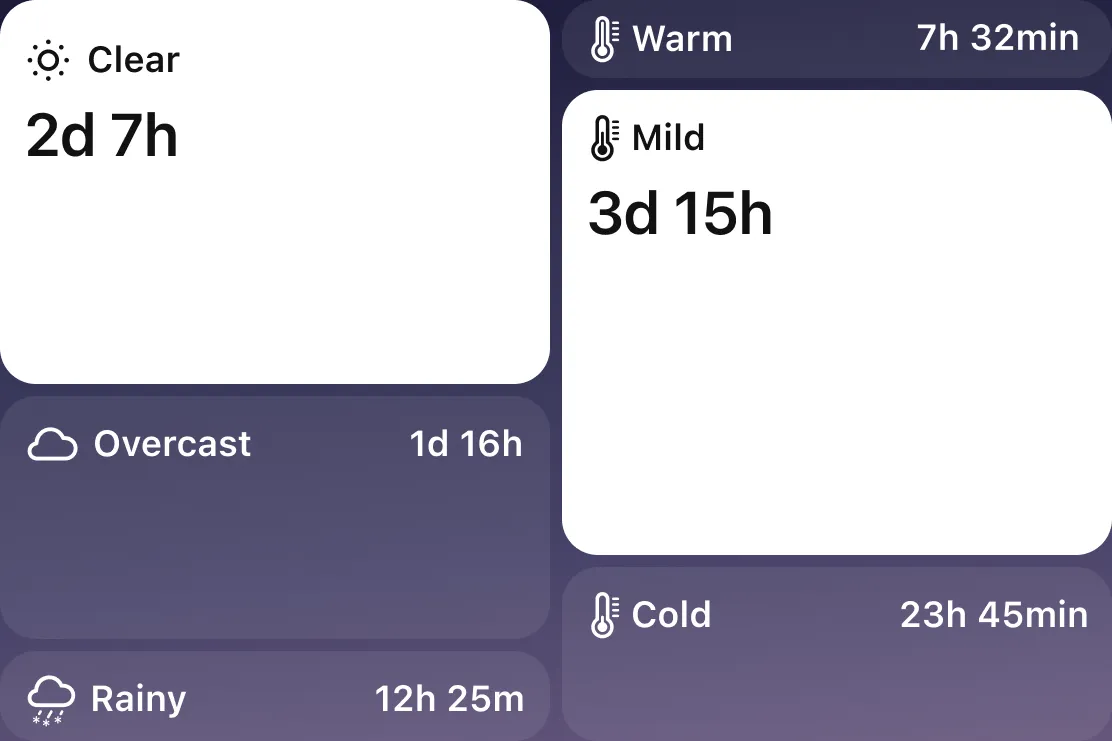
Time spent under clear, overcast and rainy skies, and at warm, mild and cold temperatures

Add context

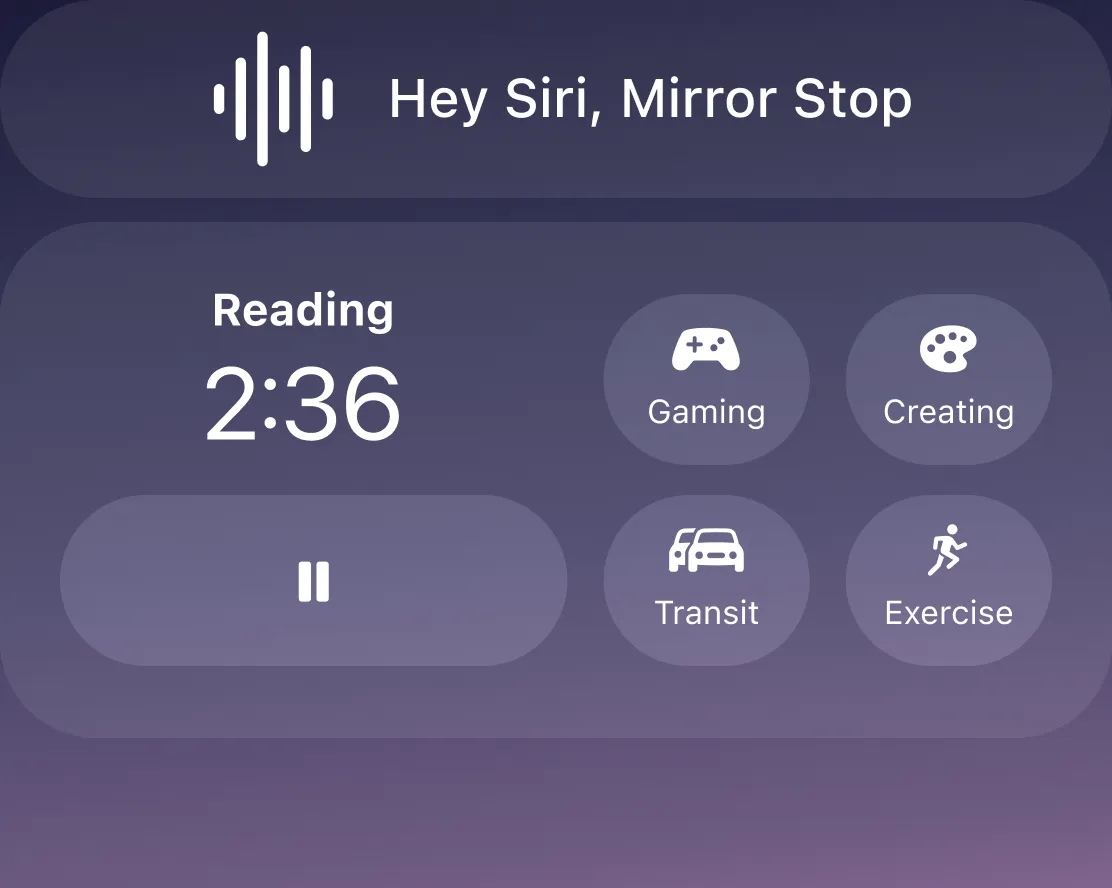
A Siri prompt reading Hey Siri, Mirror Stop, above lock screen widgets

Track anywhere

AI that plans, prioritizes, and keeps you on track.

Write what’s on your mind — BeforeSunset AI will break it down into tasks, plan your day, and help you focus on what really matters.
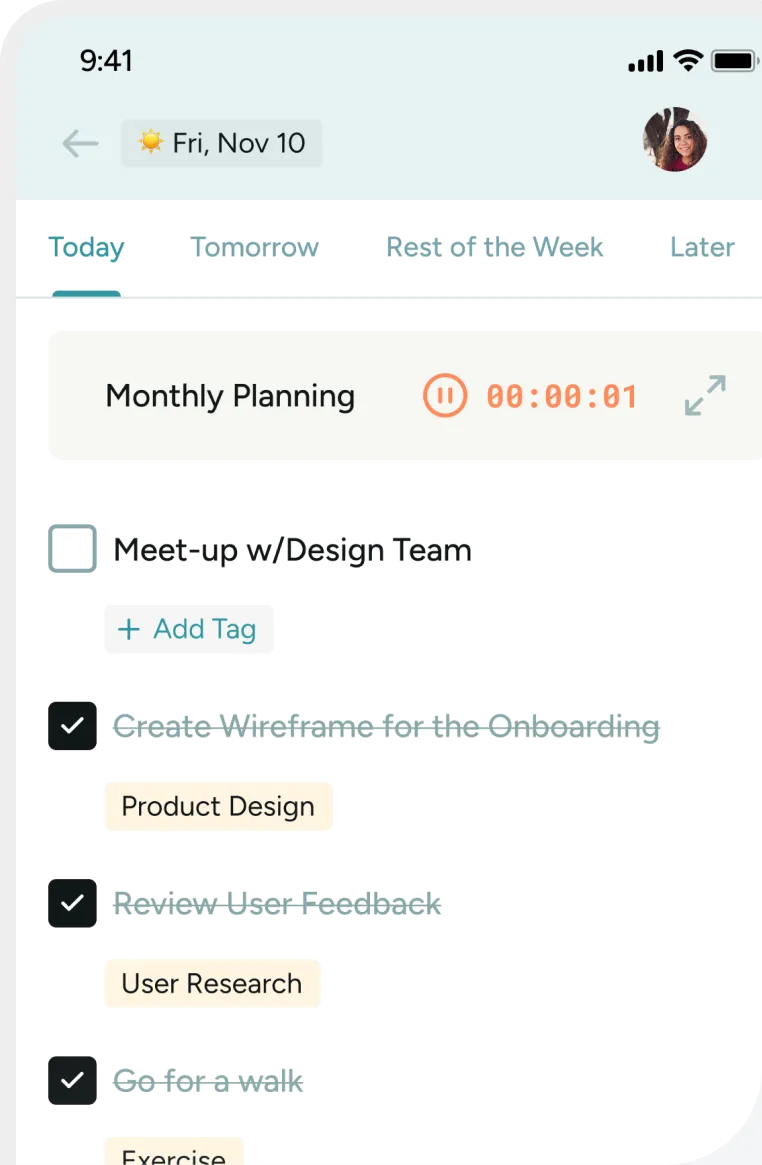
The BeforeSunset AI task list for today, with a running timer on Monthly Planning

Create my tasks

What matters to you right now? Unlock turns your intention into a clear, personal direction.

Google Calendar and Outlook icons

Connect Your Calendar

See your day's events while planning your to-dos.
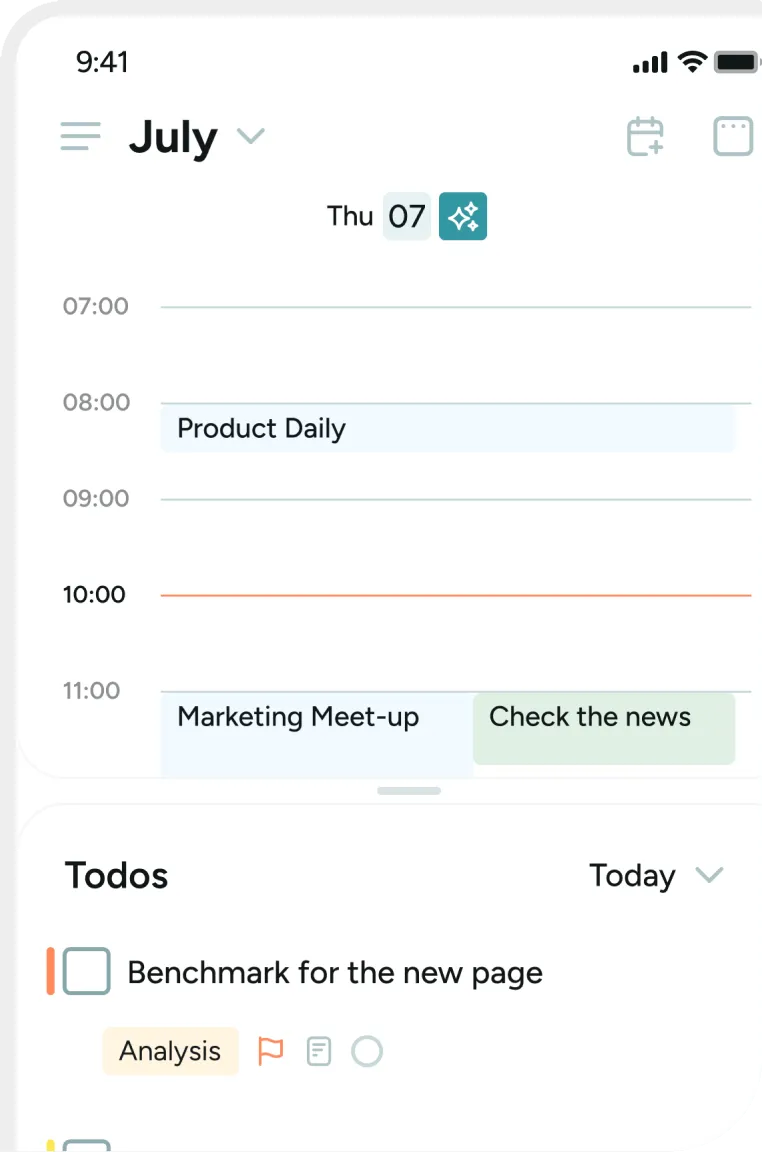
A BeforeSunset AI day plan in July, with meetings and to-dos on a timeline

Get AI Assistance

Write your to-dos, hit “Plan My Day”, and let AI create the perfect schedule! Tasks are arranged by priority and time efficiency—so you can focus on getting things done.
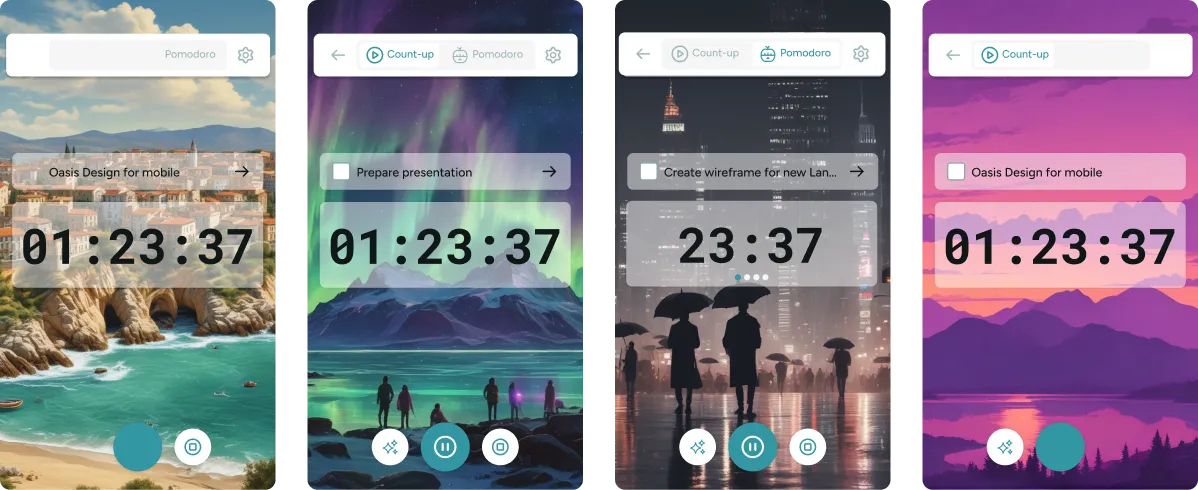
Four Oasis focus timers set against coast, aurora, city and mountain backgrounds

Focus with Oasis

AI builds your ideal workspace to keep you focused and motivated.

Read between the messages.

Upload up to four dating chat screenshots. Mi Amor breaks down the vibe, interest, subtext, and what you could say next.
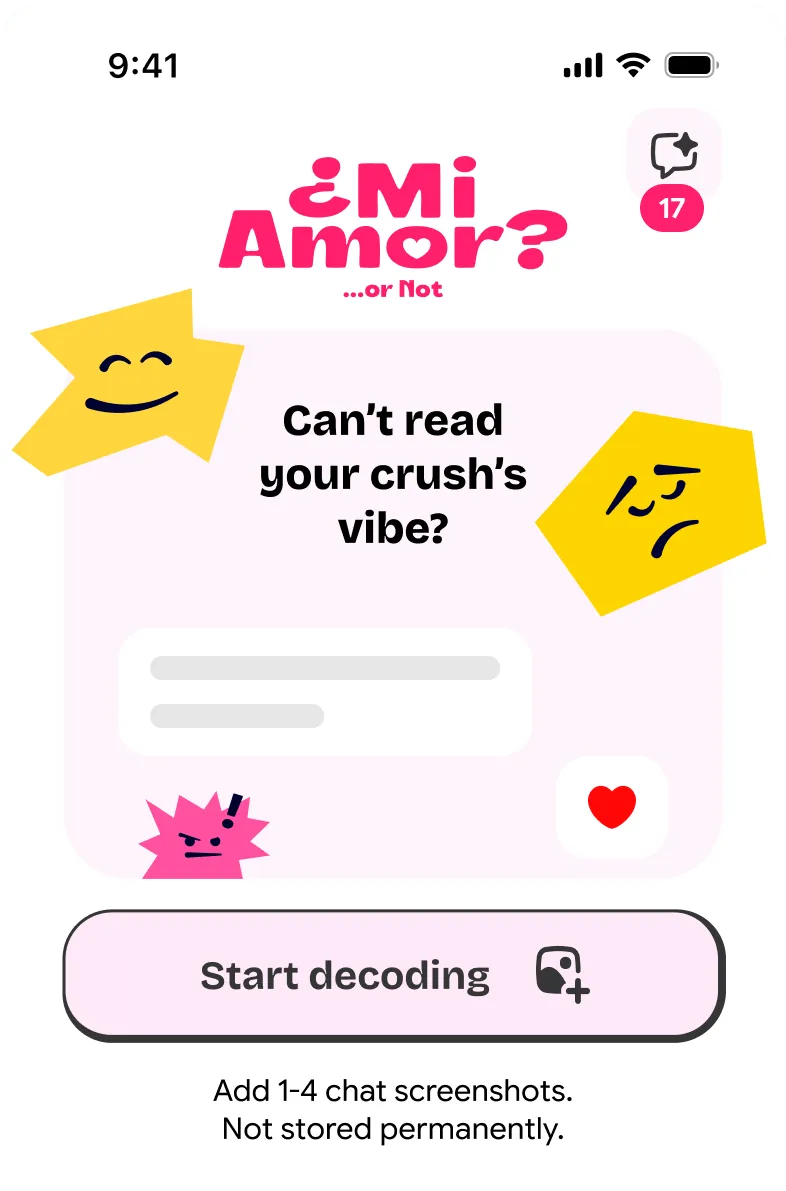
The Mi Amor start screen, asking whether you can read your crush’s vibe

Decode the vibe.

Get a clearer read on the conversation behind the words.

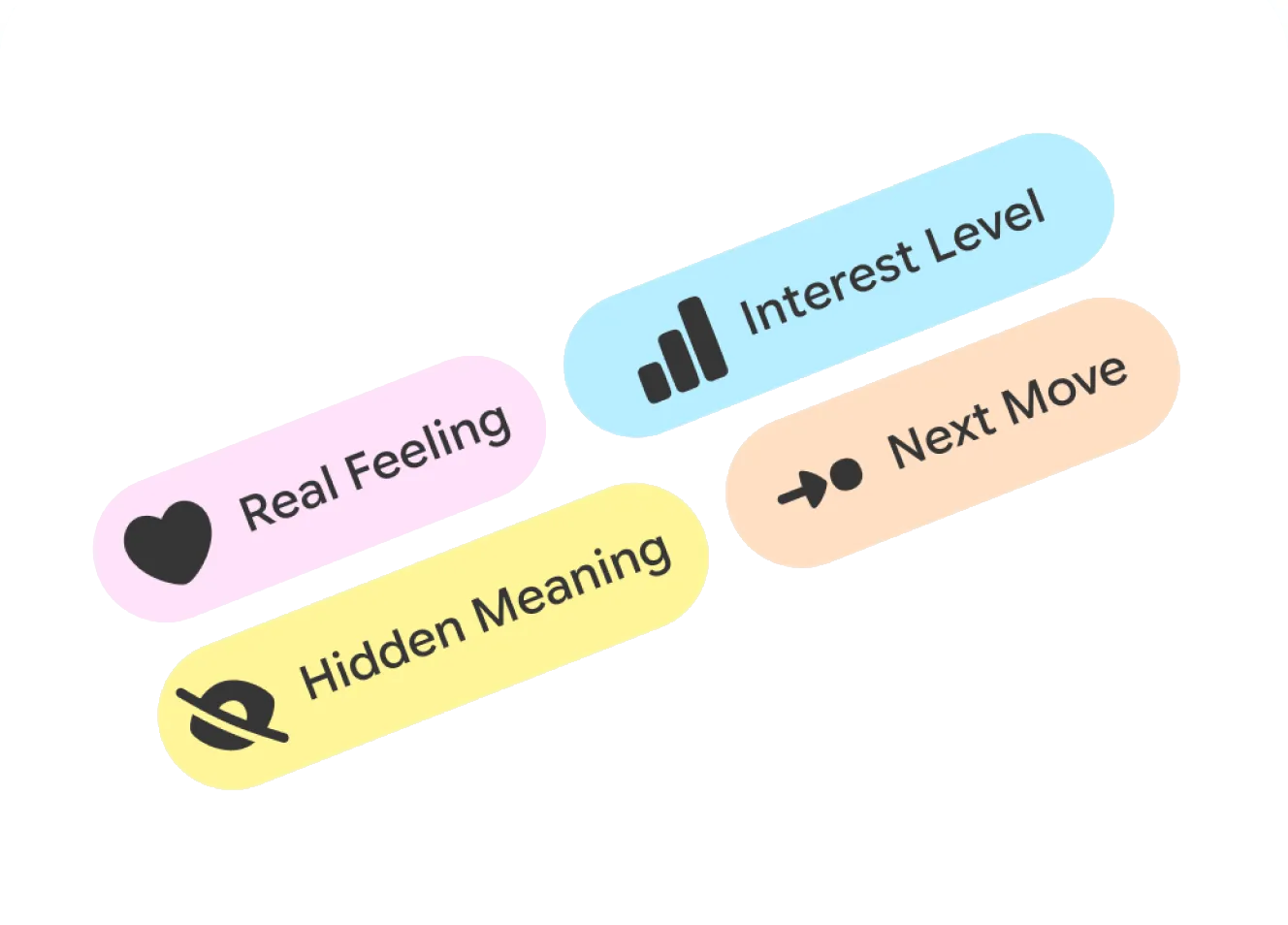
Four labels: real feeling, interest level, hidden meaning, next move

Read screenshots clearly

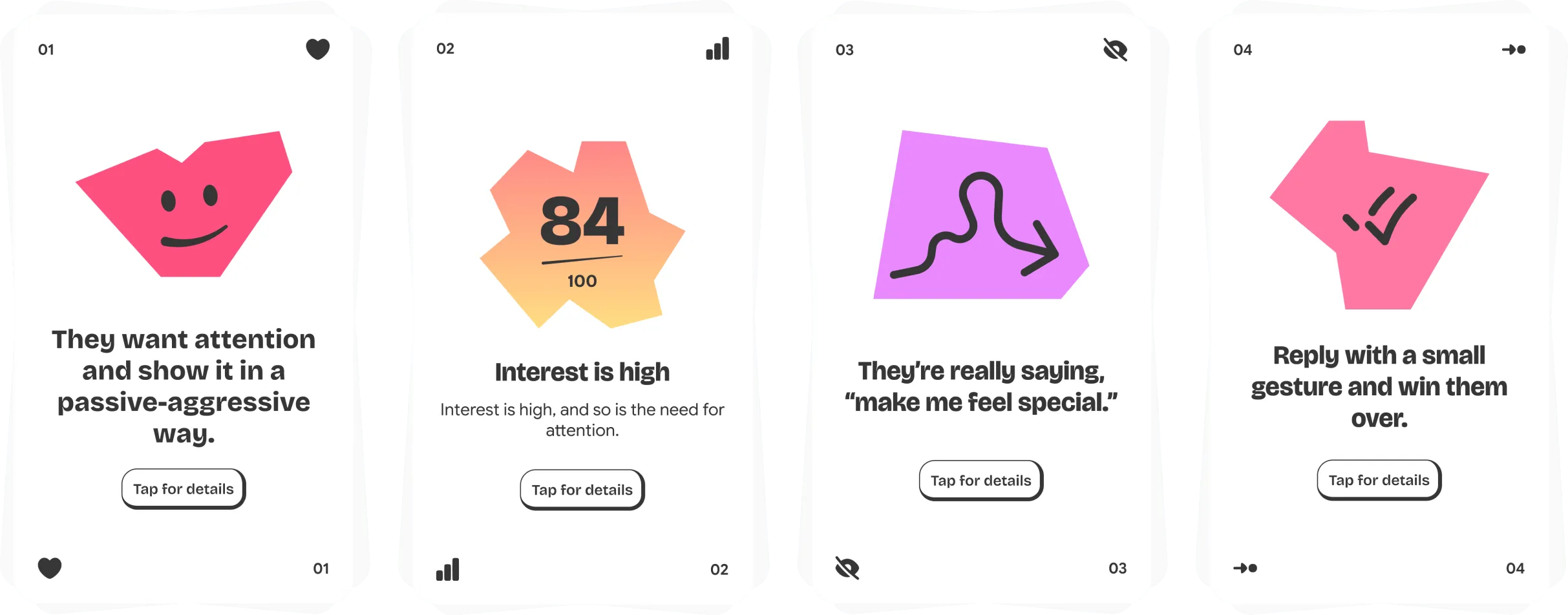
Four result cards: what they want, how high the interest is, what they are really saying, and what to reply

Real feeling, interest, hidden meaning, next move.

Rollin’

Stop overthinking it. Roll.

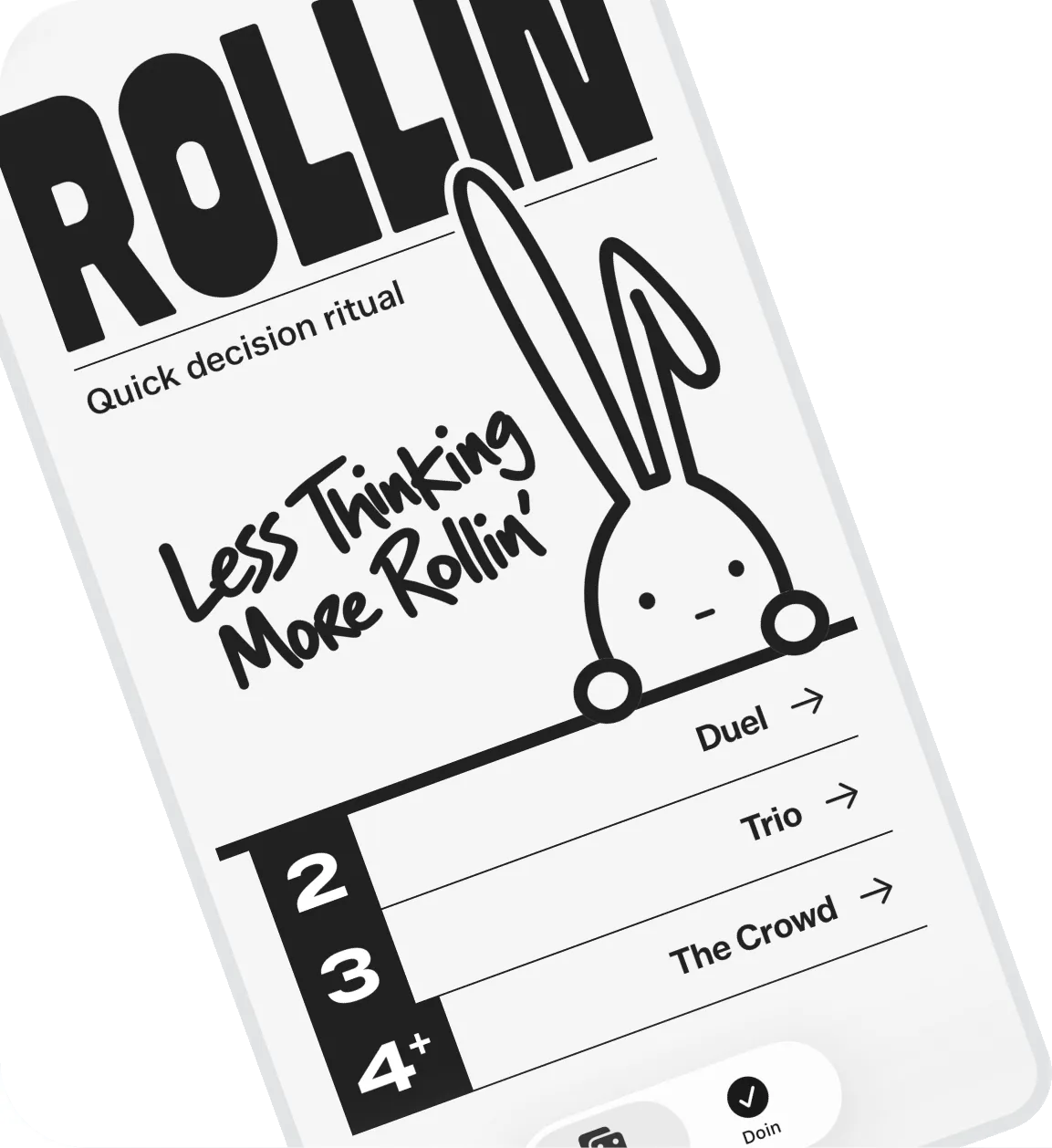
Put two choices head-to-head or throw in the whole crowd. Rollin’ picks one and closes the decision.

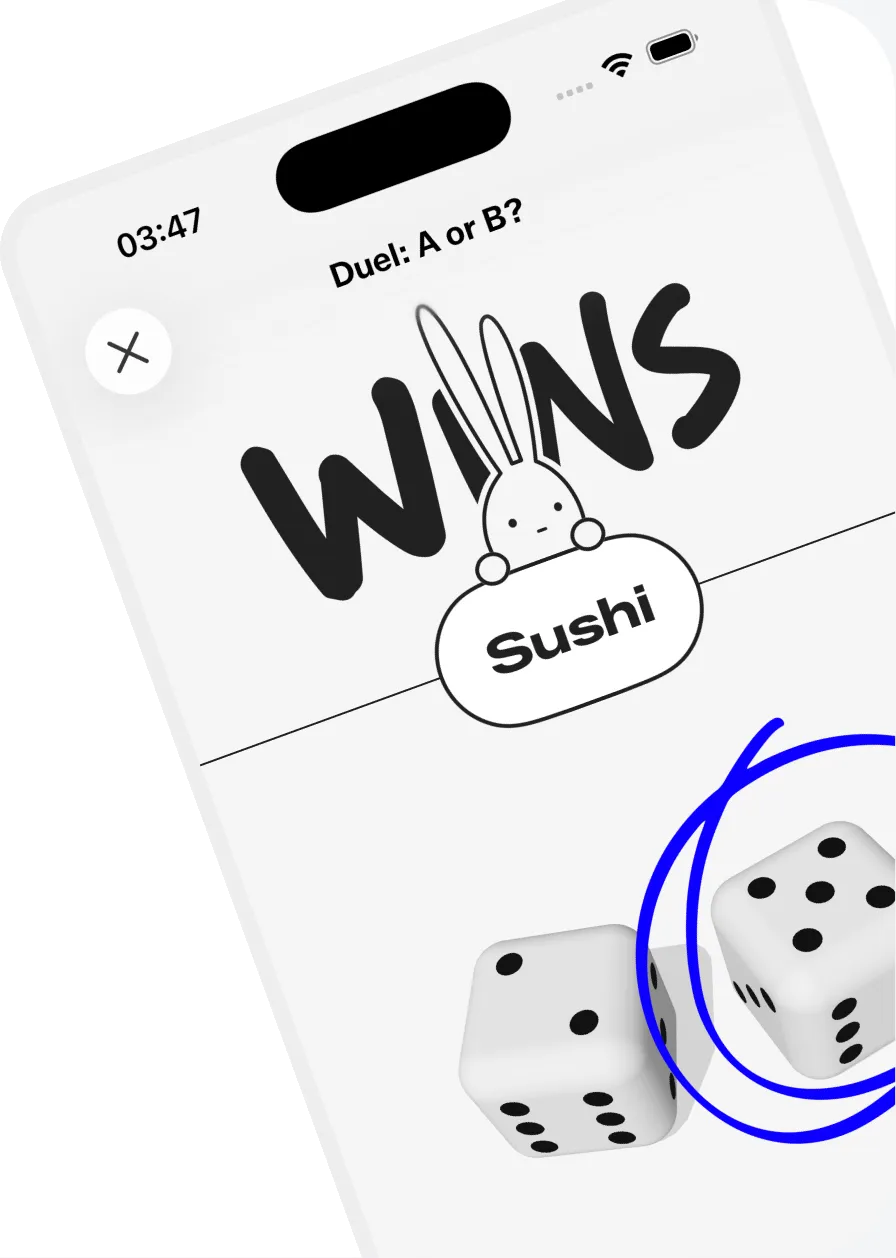
The Rollin home screen: less thinking, more rollin, with duel, trio and the crowdA Rollin duel result: sushi wins, with two dice
Hand lettering reading: let the dice decide

When choosing isn’t worth more thinking, roll and move on.

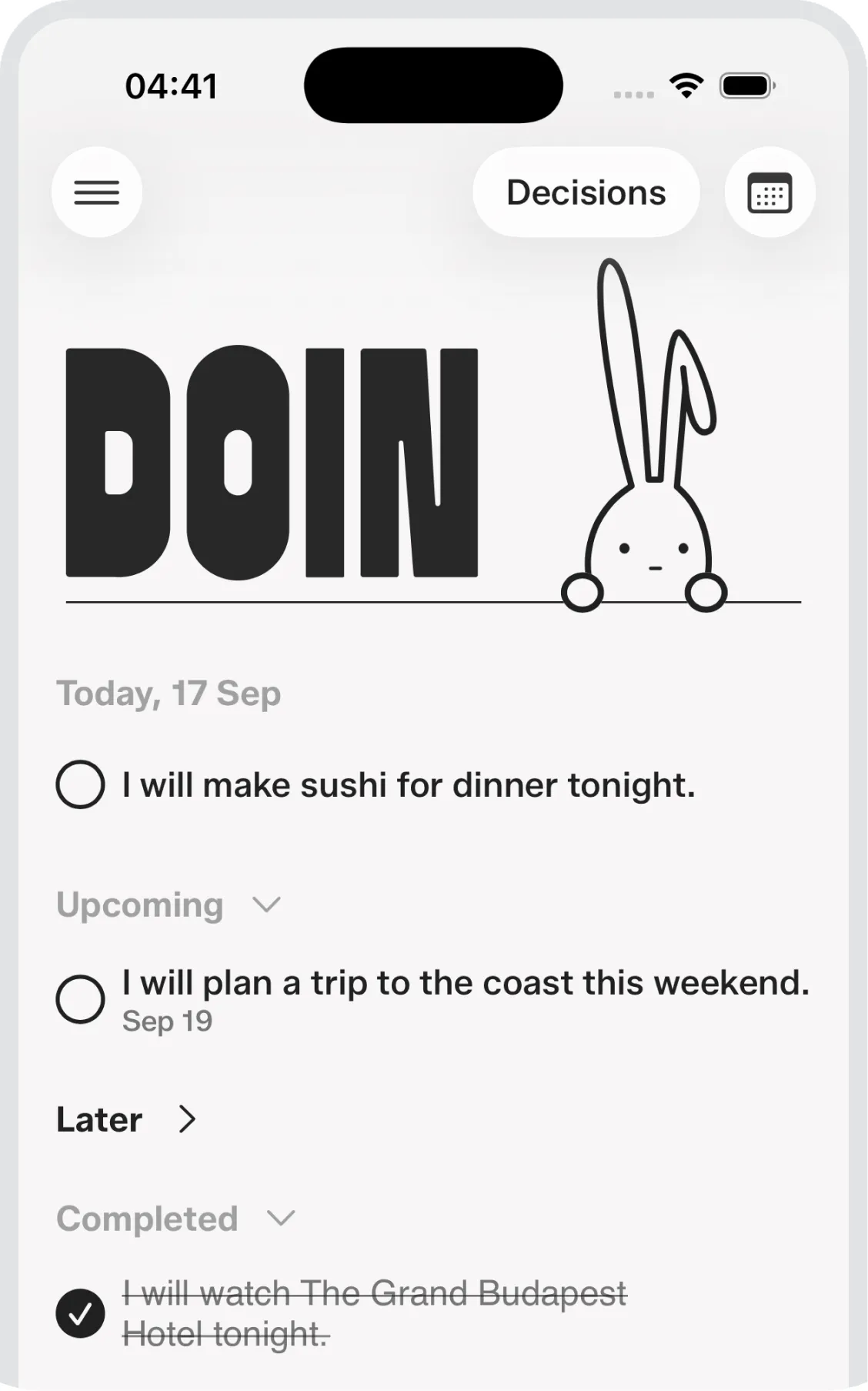
The Rollin decisions list, with today, upcoming and completed items
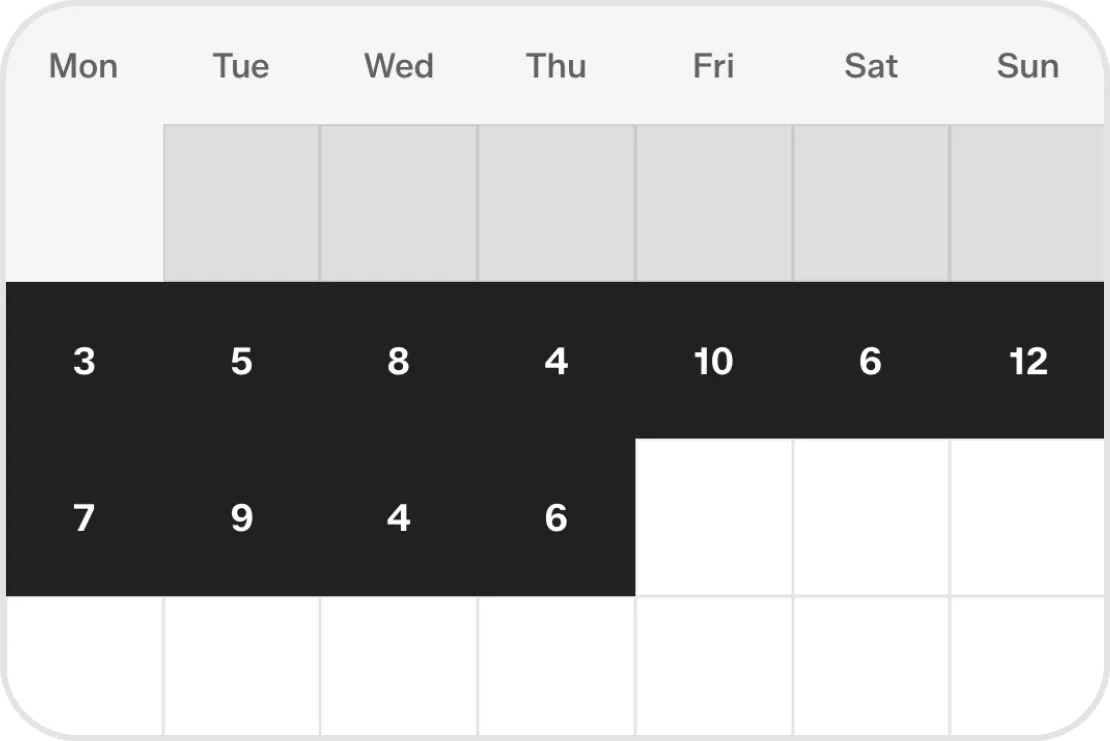
A month of rolls, shown as a calendar heat map

See your rolls over time.

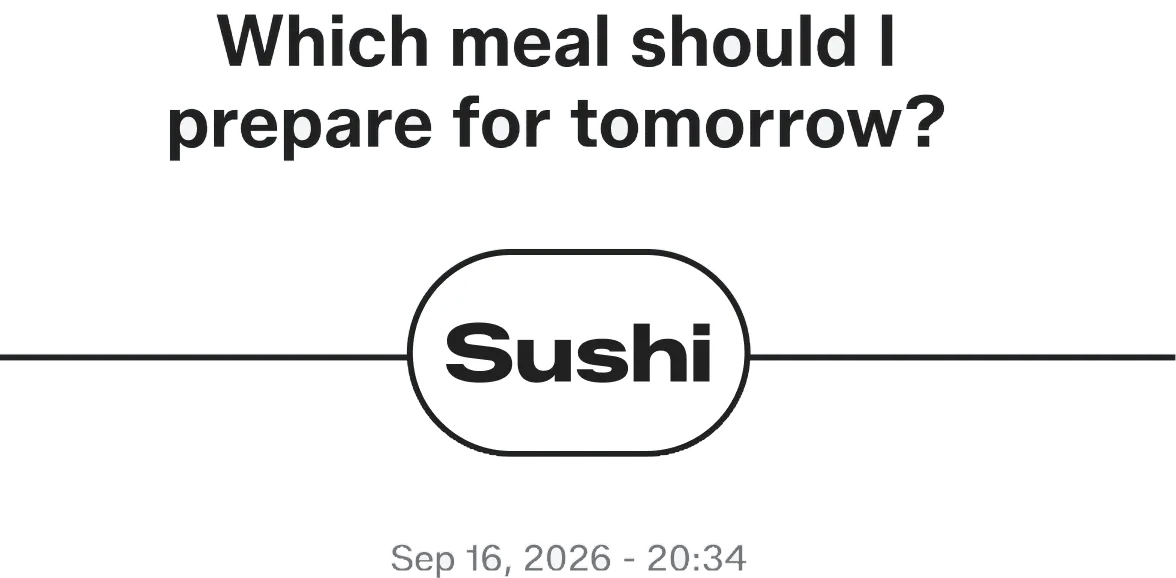
A saved decision: which meal should I prepare for tomorrow — sushi

Turn a decision into action.

More small apps are on the way.

They’ll show up here when they’re ready.

Everything we make. One place.

Open the App Store